Product Check Panel
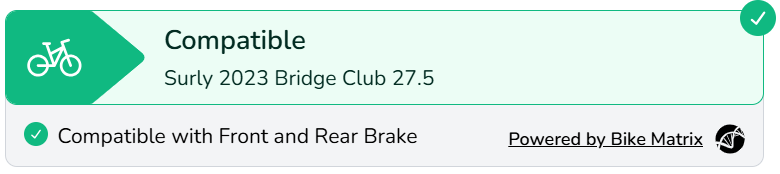
The Product Check Panel is displayed on a Product Description Page and shows bike compatibility for the product and any variants for the selected bike.
While Customising the Theme, select the Product Template that you want to add the Bike Compatibility Check on.
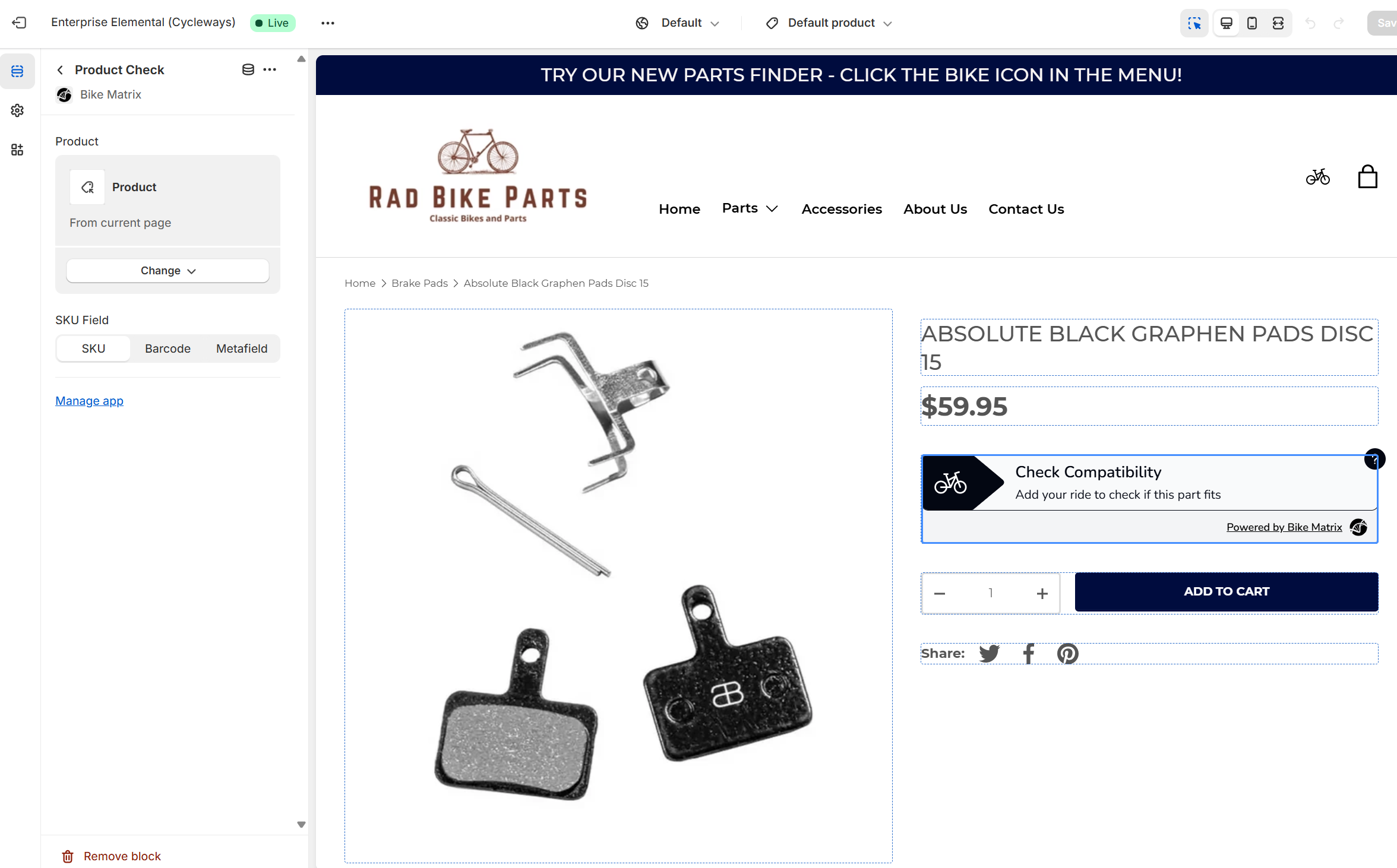
From the Product Template settings along the left hand side, choose to ‘Add block’. Add the Bike Matrix Product Check block. Move it up to ensure it’s in the right place on the product page (usually above the 'Add to Cart' button).
Now configure the settings for the Product Check.
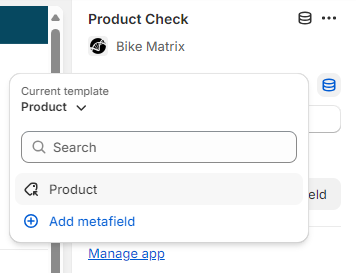
For the Product setting, choose the 'Dynamic Source' icon and select 'Product' (selecting this will ensure that the product that is being displayed will be the one sent to the Bike Matrix App).
Again, similar to Step 2 above, choose to use Sku or Barcode or Metafield.